Current conclusion
A Windows RTX 5090 run of Heretic + Hexen on main c9e6c45de renders dialogs, but Cohtml UI regions are replaced by black 64-pixel squares and text is clipped. A repeatable stencil-plane fill mismatch keeps old dirty-rectangle values between frames; this is a rendering defect, not a verified gameplay result.
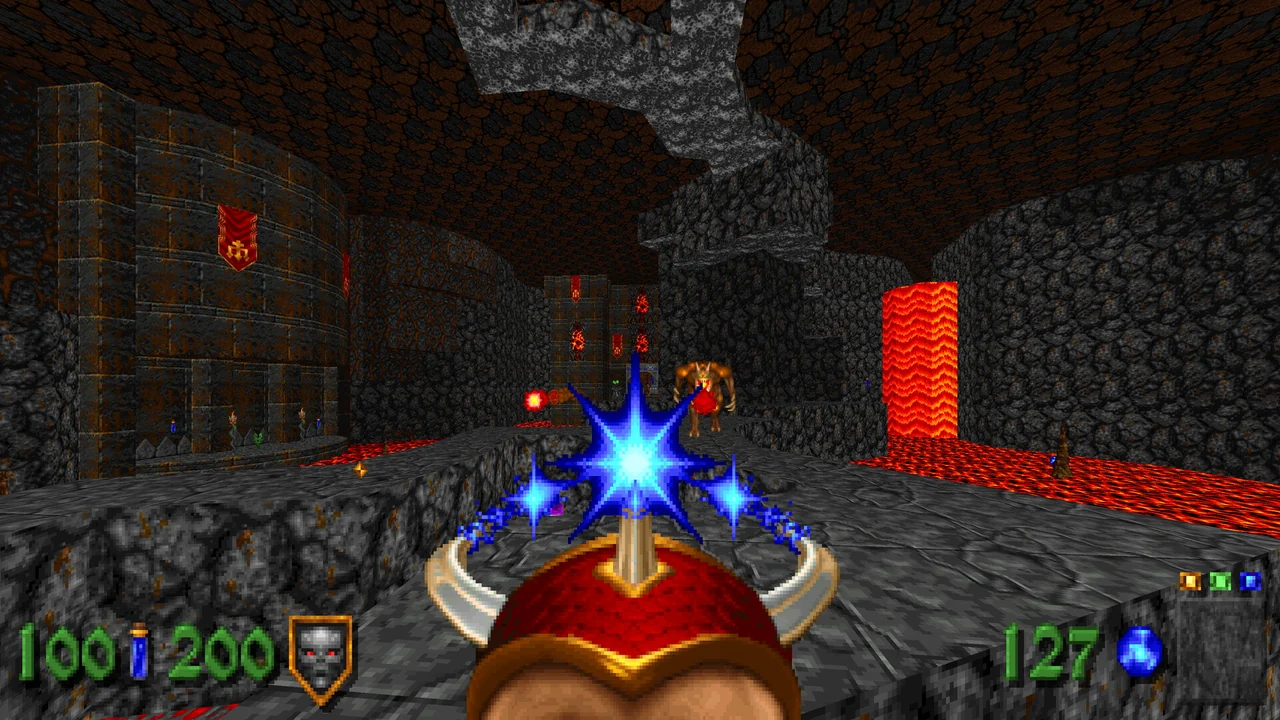
Platform test results
Windows · In-app player settings dialog renders with black squares and cut-off labels
IssuesThe Cohtml player-settings dialog appears with 64-pixel black squares and text truncated mid-word. RenderDoc draw replay reproduces the defect on the next frame: the title fills guest stencil memory but the resident host depth/stencil image retains the previous dirty rectangles. Multiple graphics feature switches did not remove the issue.
Build: main c9e6c45de (reproduced since 84b01f9cd); relinked --windows --registry
Report: Oct 17, 2026
Known issues
Windows · In-app player settings dialog renders with black squares and cut-off labels
- Stencil-plane fill pattern 0x01010101 is not propagated to the resident image; the next frame can reuse stale stencil value 2 and incorrectly clip UI draws.
- The same issue also reports DOOM + DOOM II (PPSA21444). No general game compatibility result follows from the shared UI reproduction.
Test environments
- Platform
- Windows
- Game version
- 01.003.000
- Hardware / tools
- Windows 11 Home 26200; Ryzen 9 9950X3D; RTX 5090 (NVIDIA 616.92); WinLibs GCC 15.2.0
PPSA26525 version 01.003.000, Heretic + Hexen on Windows. The source additionally reproduces the same interface defect in DOOM + DOOM II (PPSA21444), but this record describes Heretic + Hexen only.